
Shared WhatsApp Inbox: A Practical Playbook for Support Teams
Help every teammate see who owns a conversation and what needs to happen next.

On this page
A shared WhatsApp inbox works best when every open conversation has an owner, a clear next action, and enough context for another teammate to continue it. Giving more people access is only the starting point.
Without a working process, a team inbox can reproduce the same problems at a larger scale: duplicate replies, unanswered questions, and customers explaining their issue again after every handoff.
This playbook helps a small support or sales team define that process. It covers daily habits and ownership rules rather than a button-by-button software tutorial. Willow & Loom and its team members are fictional examples.
Decide what your inbox is responsible for
List the kinds of conversations that arrive: pre-purchase questions, order changes, delivery enquiries, returns, and campaign replies. Then decide which team should handle each kind and when another team needs to help.
Do not create a department for every possible question. A small team may only need a general queue and a clear escalation route. Too many queues can make routing harder and hide work in places nobody checks.
Botbiz live chat describes shared access, conversation assignment, quick replies, labels, and internal notes. Those tools support the process, but the business still needs to define who is responsible for the customer at each stage.
Give every active conversation one owner
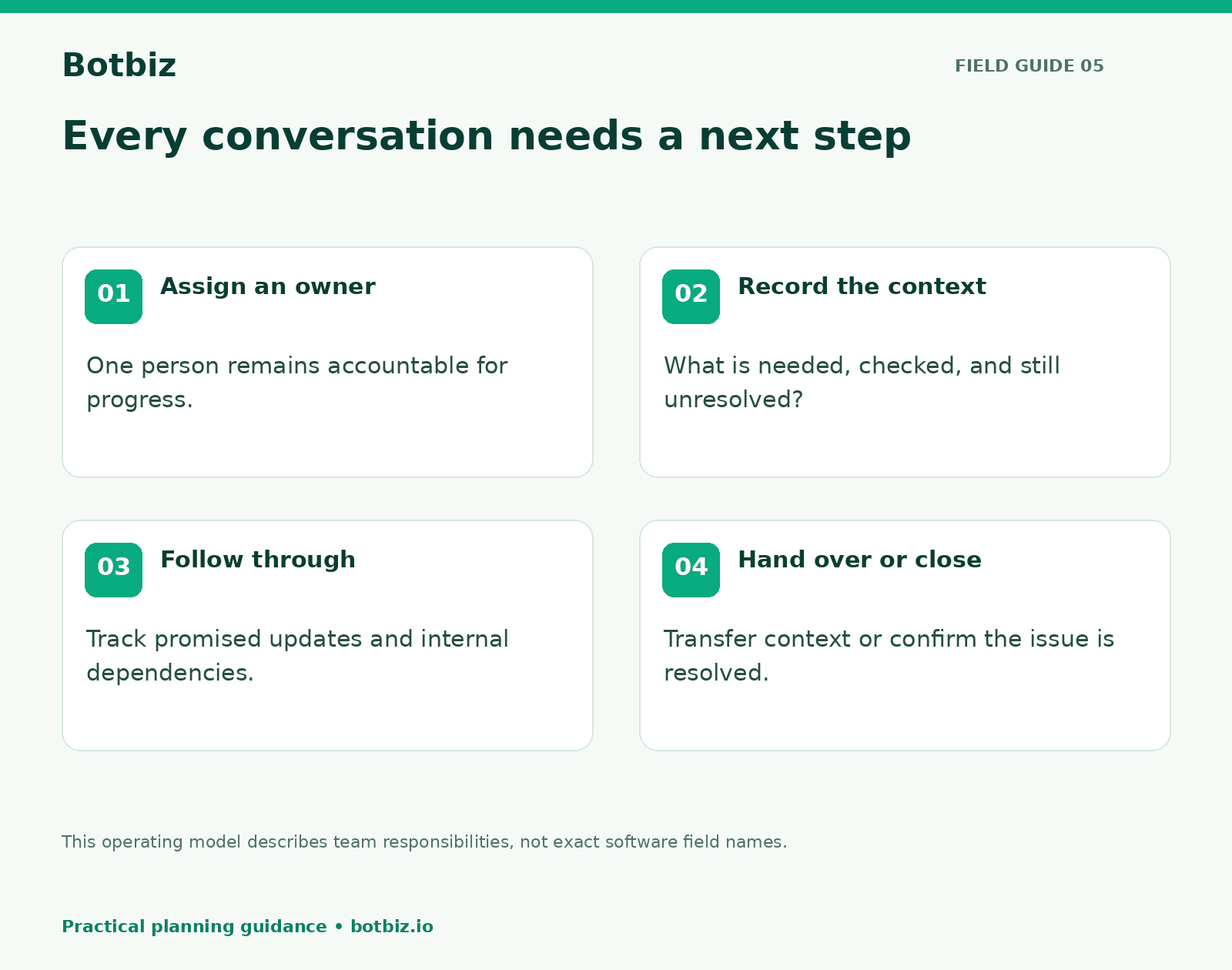
The owner is the person responsible for moving the conversation forward. They do not have to solve every issue personally. They do need to know what is waiting, who is helping, and when the customer should hear back.
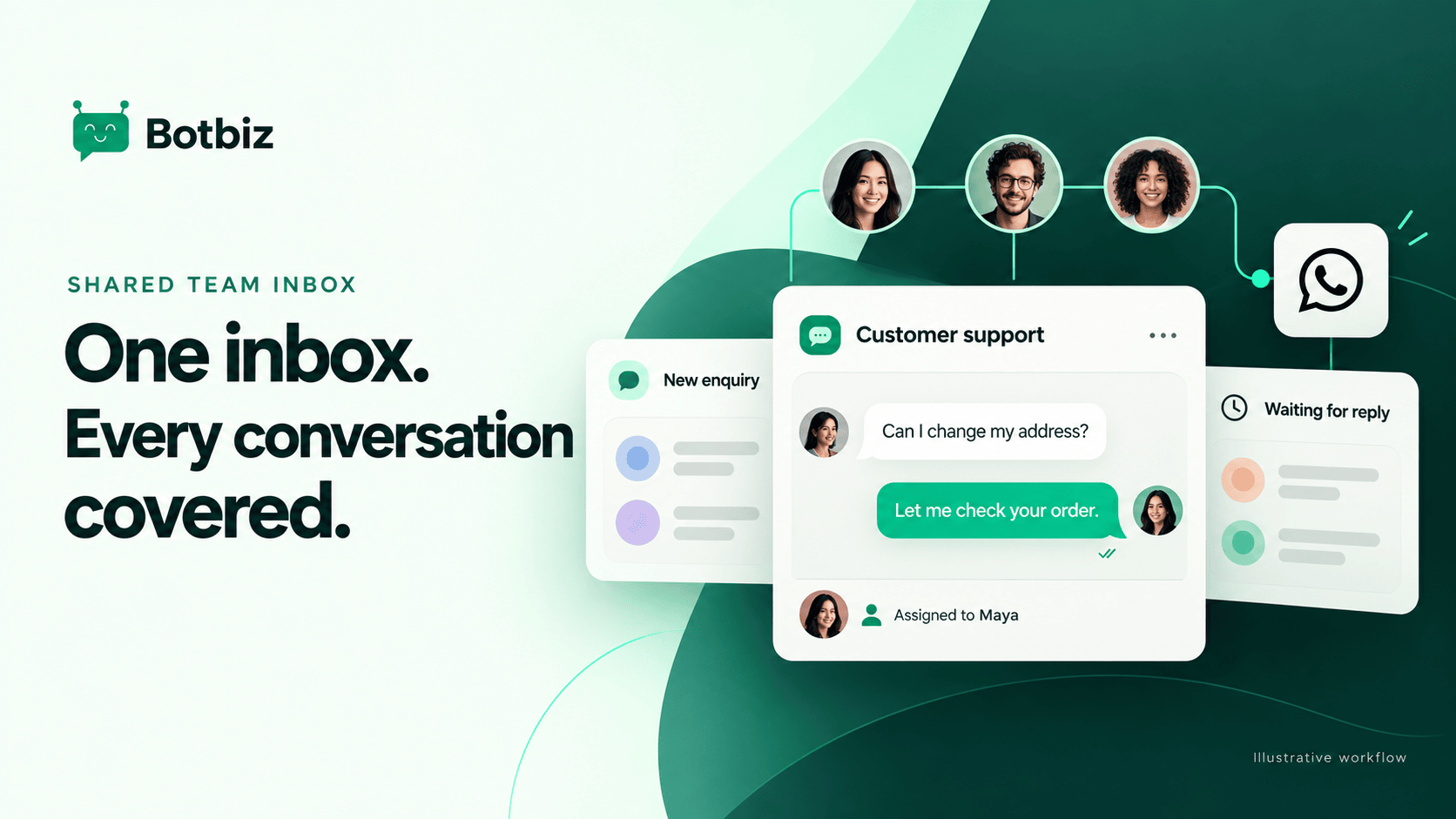
For example, Maya may own an address-change request while she checks with fulfillment. The fulfillment colleague supplies the answer; Maya remains responsible for replying to the customer. That is clearer than leaving the conversation unassigned until someone has an answer.
Set a rule for unassigned work. A shift lead might review new conversations throughout the working day, or the team may use an appropriate assignment configuration. Whichever approach you choose, test what happens when the usual owner is absent.
Separate status from topic
A topic says what the conversation concerns. A status says what needs to happen next. Mixing them creates confusing labels such as “Delivery urgent pending” that mean different things to different people.
| Information | Useful example | What it tells the team |
|---|---|---|
| Topic | Delivery question | The reason for contact |
| Owner | Maya | Who is accountable for progress |
| Working state | Waiting for fulfillment | What is blocking the next answer |
| Next action | Check carrier update this afternoon | What the owner should do |
| Customer expectation | Update promised during business hours tomorrow | What must be followed through |
Use the states supported by your actual workspace, and document how your team interprets them. These examples describe an operating model; they are not claims about exact field names in the Botbiz interface.
Write internal notes that save the next person time
A helpful note answers three questions: What does the customer need? What has already been checked? What should happen next? It should not be a transcript pasted into another field.
Illustrative internal note: Customer wants to change the address for order WL1042. Order has not yet been confirmed as dispatched. Asked fulfillment to check whether a change is still possible. No change promised. Maya will update the customer after fulfillment replies.
This note is useful because it distinguishes facts from pending checks and promises. “Customer upset, please handle” gives the next agent very little to work with.
Keep notes factual and respectful. Record only information relevant to resolving the conversation. Remember that internal convenience is not a reason to copy unnecessary personal information into multiple systems.
Use quick replies as a starting point
Quick replies can make common explanations consistent. They work well for opening hours, the information needed to investigate an order, or a link to a relevant help page. They work poorly when used to avoid reading the customer’s actual question.
Build a small library around frequent situations. Give each reply a clear name, an owner, and a review date. When a policy or link changes, update the source reply rather than relying on every agent to remember a correction.
Train the team to adapt the opening sentence and remove irrelevant details. A useful answer should acknowledge what the customer already said. Asking for an order reference again when it is visible in the conversation makes even an accurate response feel careless.
Make human handoffs visible to the customer
If a chatbot collected the initial request, the human should join with context: “Hi, I’m Maya. I can see you want to change the delivery address for WL1042. I’m checking whether that is still possible.”
That is more reassuring than “How can I help?” because it shows the conversation has continued. The agent should also know whether the automation has paused. Test this in your configured workflow so the customer does not receive bot questions and human answers at the same time.
If you are designing the opening flow, Botbiz’s chatbot builder can help organize the questions before the team takes over. Keep the handoff summary short and make the receiving owner explicit.
Set response expectations your team can meet
Define working hours and a practical response target for each kind of enquiry. A customer reporting a failed delivery may need a different route from someone asking whether a lamp comes in another color.
Do not promise an immediate answer when a person needs to check another system. Give an honest next step and a realistic update time. Then make sure the owner can see that commitment during the next review of open work.
For platform messaging, consider the customer service window when planning delayed follow-ups. The WhatsApp Business Messaging Policy explains the applicable messaging requirements. Build the follow-up route into the process before a conversation becomes old enough to require a different message type.
Run a short end-of-shift review
Before an agent finishes, review conversations that still need action. Transfer ownership where necessary and leave a note about the latest customer expectation. A conversation should not become invisible because the person who knows it best has gone home.
A shift lead can review three practical groups: work with no owner, work waiting on the business, and work with a promised update approaching. Keep the review brief enough to happen consistently.
Do not close a conversation solely to improve a count. Agree on what closure means. For example, the customer’s question may be answered, or the requested action may be completed and explained. If the customer returns, the next agent should still be able to understand the previous outcome.
Measure customer progress, not just agent speed
Track first response time, resolution time, reopened conversations, and the reasons work remains unresolved where that information is available. Interpret the numbers together. A fast first reply followed by a long wait may not feel fast to the customer.
Review a sample of conversations alongside the figures. Look for accuracy, clarity, ownership, and whether promised updates happened. Raw message counts can reward unnecessary back-and-forth instead of effective help.
Separate a staffing issue from a knowledge issue. If agents wait on the same missing policy answer, improve the internal guidance. If otherwise straightforward enquiries accumulate during predictable periods, review coverage and workload.
Roll out the process with one small team
Agree on ownership, handoffs, quick replies, and closure before expanding access. Practice with realistic examples, including an unavailable owner and a customer whose request changes halfway through.
Then review the first week together. Ask where the process was unclear and which notes made a real difference. Adjust the rules while they are still simple.
Explore the Botbiz shared inbox and current plan options with your team’s working process in mind. A reliable inbox is one where customers receive clear answers and teammates know what to do next.
Scale Your Business with WhatsApp Cloud API
Get 0% markup fees on Meta API, visual drag-and-drop chatbot builder, shared live team inbox, and 100+ app integrations with Botbiz.