
WhatsApp Business App vs API: Which Does Your Business Need?
Choose the right setup for your team, workflows, and customer conversations.

On this page
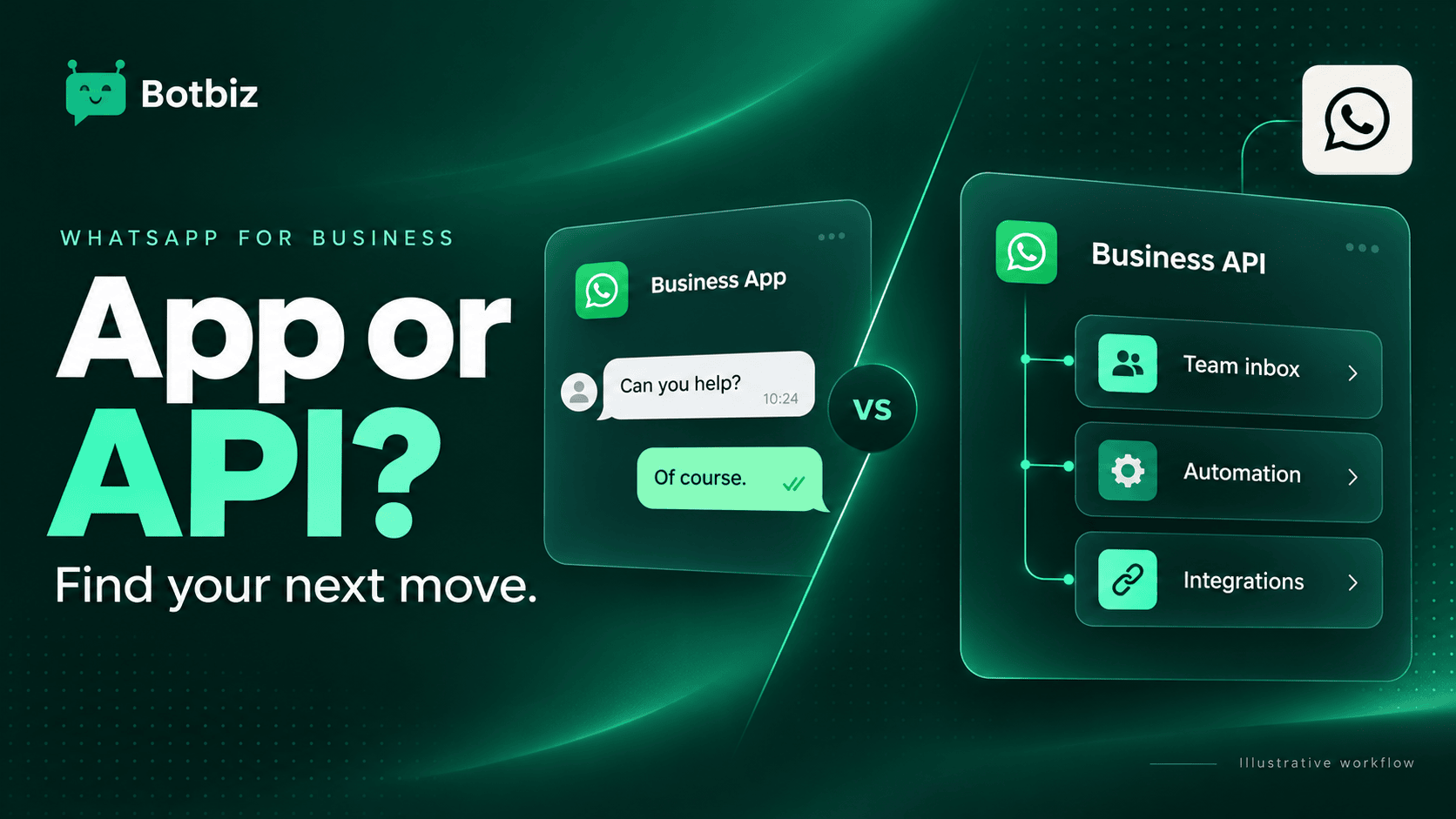
Choose the WhatsApp Business App when your team can comfortably manage conversations by hand. Consider the WhatsApp Business Platform, often called the WhatsApp API, when you need customer messages connected to a shared inbox, business systems, or repeatable workflows.
The useful question is not “Which option is more powerful?” It is “Where does our current process break?” A business with a small, well-managed inbox may get little value from a more involved setup. A growing team that loses conversations between shifts has a different problem.
This guide helps you compare the options, spot the right time to move, and plan a small first rollout. Product information was checked in October 2026.
What is the difference between the app and the API?
The app is a ready-to-use business messaging application. Meta lists business profiles, catalogs, labels, quick replies, greeting messages, and away messages among its WhatsApp Business App features. Those tools can cover a lot of everyday work.
The API is a connection that software uses to exchange WhatsApp messages. You normally interact with a provider’s interface or your own software rather than treating the API as a separate phone app. Meta’s Business Platform overview describes messaging tools for automation and customer engagement.
An API provider adds the working environment around that connection. For example, Botbiz offers a shared WhatsApp inbox, a visual chatbot builder, and integrations. These are provider capabilities, so compare the tools and plan limits as well as the underlying messaging channel.
| Question | Business App | API with a platform such as Botbiz |
|---|---|---|
| How will we work? | Use the app’s built-in tools | Use a provider interface and configured workflows |
| What is a good starting use case? | Answering enquiries and sharing product information | Assigning conversations or connecting business events to messages |
| How much setup should we expect? | Configure the profile and daily working habits | Configure access, templates, integrations, and responsibilities |
| What should we compare? | Available app features for your account and market | Provider features, costs, limits, support, and data handling |
App capabilities change. Meta now also describes enhanced Business Broadcasts for eligible users in selected countries. Avoid choosing from an old comparison that assumes every app account has identical features or that the app cannot support any automation.
Five signs the API deserves a closer look
1. Nobody is sure who owns a conversation
Two people answer the same customer while another enquiry sits untouched. The problem is accountability. Before adding more automation, decide how a new conversation receives an owner and what happens when that person is away.
Write down your current handoff process. If it relies on forwarding screenshots or asking colleagues whether they replied, a shared inbox is worth evaluating. Your trial should test assignment and continuity across a shift change, not just whether a message appears on screen.
2. Your team copies the same business information repeatedly
Manually pasting an order reference once is manageable. Repeating that task across a busy day introduces opportunities for mistakes. List the messages that depend on information in another system: order updates, booking details, or service requests.
Then check whether that information is available reliably. An integration cannot fix a missing shipment reference or an inaccurate appointment time. Explore Botbiz integrations with a sample event and the exact fields your message needs.
3. Useful enquiries arrive outside your working hours
An away message sets expectations. A more structured conversation can also collect the reason for contact and prepare a useful handoff. The goal is to make the next human response easier, not to give a bot permission to promise anything it cannot verify.
For a fictional cleaning company, a useful first flow might collect the service type and area, then send the enquiry to the team. It does not need to quote a final price or confirm availability before those details are checked.
4. Your reports do not explain what happens after the first message
“We received plenty of enquiries” is not enough to improve a sales process. You may need to know how many conversations were assigned, how many required another reply, and how many reached a meaningful outcome.
Define that outcome before choosing software. A completed booking, a resolved support issue, and a qualified sales conversation require different reporting. Ask which information is available in the product and which must come from your booking system or CRM.
5. Your next campaign needs a repeatable process
Campaign work includes selecting an eligible audience, checking content, handling replies, and learning from results. It is not finished when a message is sent. If the business needs those activities coordinated across people, evaluate the full workflow rather than a sending button alone.
When staying with the app is sensible
Stay with the app if your current setup serves customers well and the missing capabilities do not justify the work of a change. A neighborhood maker taking occasional custom orders may benefit more from better quick replies and clearer opening hours than from an integration project.
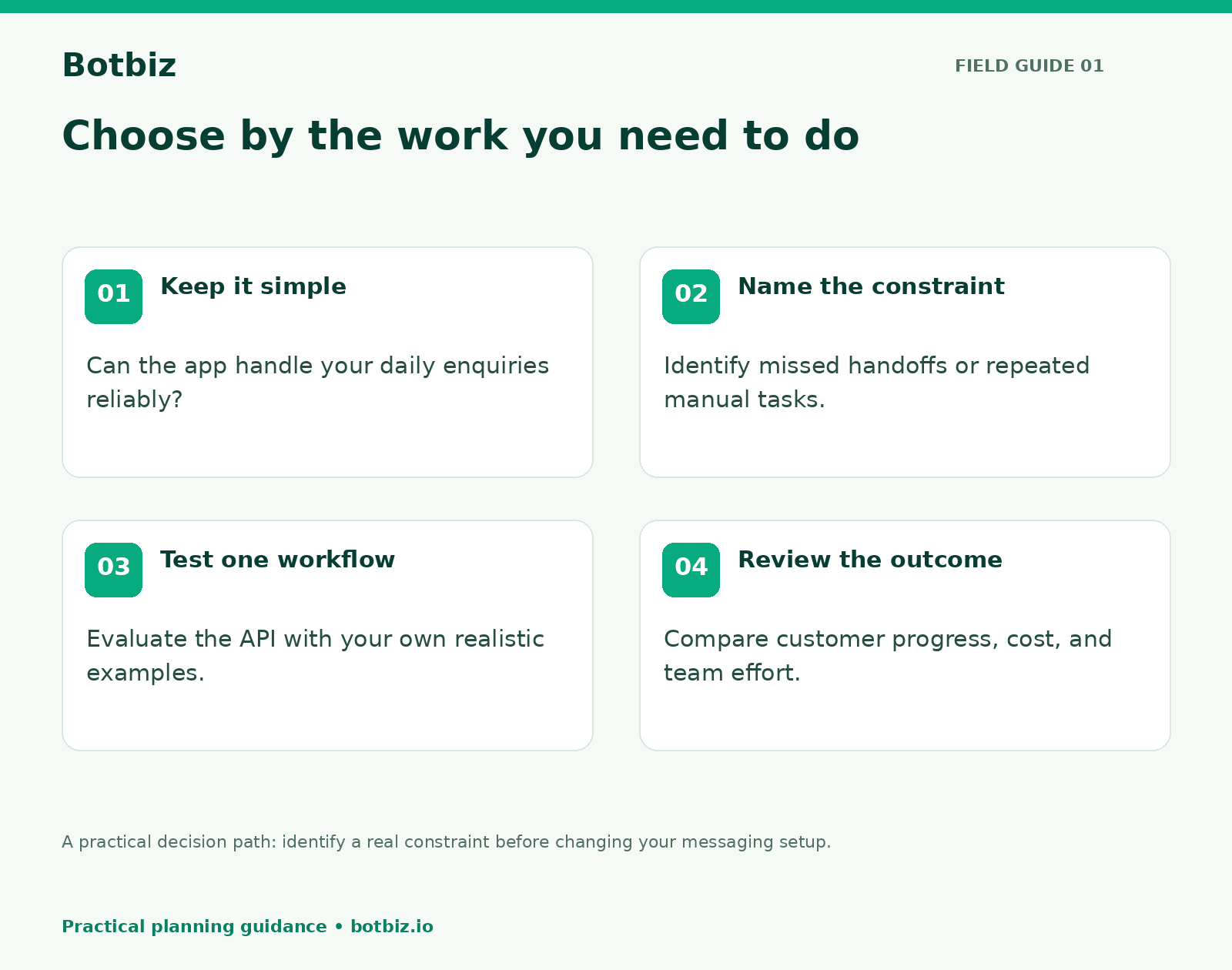
Do a simple inbox audit before deciding. Review a representative week and record missed enquiries, repeated manual tasks, incorrect replies, and conversations that changed hands. Use those observations to describe the business problem in plain language.
If the audit shows no consistent problem, keep improving the process you have. Software should remove a real constraint. Moving early just because another company uses the API can add a subscription and maintenance work without improving the customer experience.
Budget for the complete workflow
Compare four cost areas: the provider plan, WhatsApp message charges where applicable, implementation work, and ongoing team time. Meta’s Platform pricing page explains its current charging structure; use the live information for your destination markets and message categories.
Check Botbiz pricing for current plan details. Ask which inbox, automation, integration, and reporting capabilities are included in the plan you are considering. Avoid comparing a headline subscription price with another provider’s fully configured service.
A useful internal estimate starts with your intended workflow. How many eligible customers enter it? Which messages would they receive? Who checks failures? Who updates content when products or policies change? Even a simple spreadsheet can make the tradeoff clearer than a long feature checklist.
Plan a small first rollout
- Choose one problem. Start with something observable, such as conversations being left unassigned.
- Name an owner. Give one person responsibility for the workflow, training, and review.
- Confirm the setup path. Check number eligibility, account access, and the appropriate connection process with your provider before changing an existing number.
- Prepare real examples. Bring representative enquiries with private customer details removed.
- Test exceptions. Include an incorrect reference, an out-of-hours enquiry, and a request for a human.
- Compare outcomes. Review the original problem after the trial, including any extra work the new process created.
Botbiz’s onboarding guide is a useful starting point for discussing the connection process. Keep your existing customer communication plan clear during any transition, and confirm what happens to access and history for your specific setup.
Questions to ask during a demo
Ask the presenter to follow one customer enquiry from arrival to resolution. Can an agent understand what already happened? How does the conversation move between people? What happens if a connected system is unavailable? Where does a manager see work that still needs attention?
Bring your own example rather than relying only on a prepared demonstration. A five-minute walkthrough of your actual process can reveal more than a long list of features.
If you are ready to evaluate the API, watch the Botbiz demo and write down the single workflow you want to improve first. That gives your team a practical way to judge whether the change is worthwhile.
Scale Your Business with WhatsApp Cloud API
Get 0% markup fees on Meta API, visual drag-and-drop chatbot builder, shared live team inbox, and 100+ app integrations with Botbiz.