
WhatsApp Message Templates: Marketing, Utility, and Authentication
Choose the category by the message’s purpose, then check its wording and data.

On this page
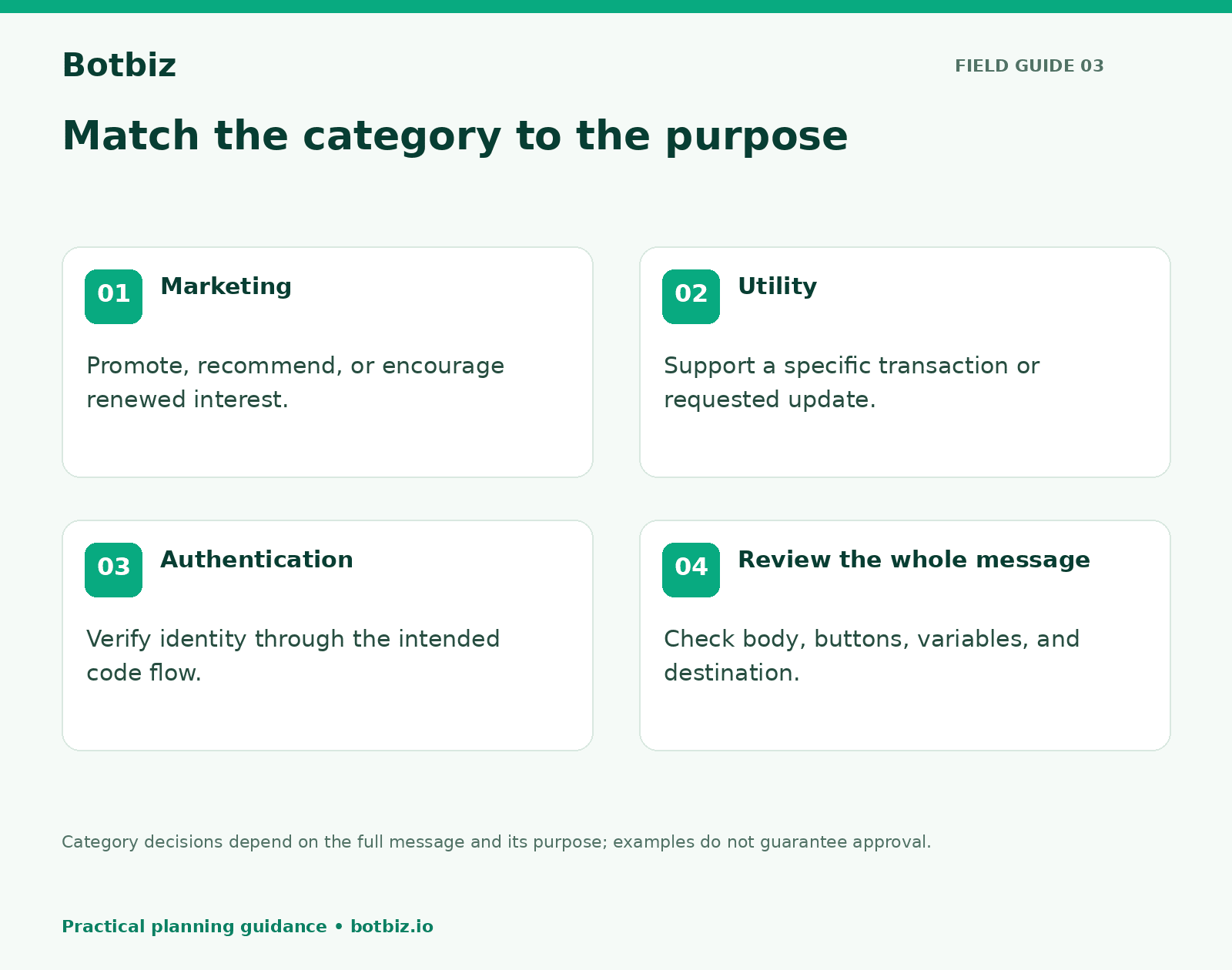
Choose a WhatsApp message template category by the message’s purpose. Marketing promotes an offer or encourages engagement. Utility supports a specific transaction or requested update. Authentication verifies a person’s identity, typically through a one-time passcode.
That sounds straightforward until one message tries to do two jobs. An order update with a discount at the end is no longer a clean operational notice. A reminder about an unfinished purchase should not be described as a shipping update just because the message mentions a product.
This guide gives your team a practical way to write, review, and maintain templates. The examples are fictional writing drafts, not pre-approved templates or a guarantee of Meta’s classification.
First separate the purpose from the format
A template is a structured message submitted for review and used for an approved purpose. Its category is about why you are contacting the customer. Its format is how you present the information: text, media, buttons, and variable fields where supported.
Do not let the desired visual format decide the category. A parcel image does not turn a promotion into utility. A formal tone does not make a sales follow-up an account alert. Review the full message, including the header, body, footer, buttons, and linked destination.
For the platform, Meta’s messaging policy distinguishes approved templates from free-form replies within the customer service window. Check the current rules when designing a workflow, especially if a reply or follow-up may happen later.
The three categories at a glance
| Category | Primary purpose | Straightforward example | Common mistake |
|---|---|---|---|
| Marketing | Promote or re-engage | Announce a new collection | Hiding a sales pitch inside an update |
| Utility | Support a specific transaction or request | Notify a customer that their order shipped | Adding an unrelated offer |
| Authentication | Verify identity | Deliver a verification code | Treating an ordinary account notice as a code flow |
Meta’s official pages explain marketing, utility, and authentication uses. Use those definitions as the starting point, then evaluate the actual message you intend to submit.
Marketing templates: make the value easy to understand
Marketing content asks the customer to discover, consider, or return to something. Examples include a new collection, an offer, a product recommendation, or a message encouraging someone to return to an unfinished purchase.
For a fictional shop called Willow & Loom, a focused draft might read:
Our new linen collection is ready to browse. Explore the colors and sizes in the collection. Reply STOP to stop collection updates.
The purpose is clear. The call to action leads to the collection. The copy does not pretend the customer has placed an order or requested a delivery update.
When reviewing a marketing template, ask what makes it relevant to the selected audience. “We want more sales” explains the business’s motive, but it does not explain why the recipient would welcome the message. A known interest or an explicit subscription provides a better starting point.
If your team plans to send this to a segment, review the Botbiz broadcasting features alongside the copy. A strong template used with a poorly selected audience still creates an unhelpful experience.
Utility templates: stay close to the transaction
Utility content should make a specific transaction or requested service easier to understand or complete. Give enough context to identify the relevant order or request, and keep the action connected to that purpose.
Illustrative draft: Willow & Loom order WL1042 has shipped. Track this parcel using the order tracking link. Reply if you need help with this delivery.
Now compare an edited version: “Your order has shipped. Buy our matching cushions today and save.” The extra sentence changes the message’s purpose. The practical solution is to keep the operational update focused and treat the promotion as a separate campaign, subject to its own audience and messaging checks.
A useful review question is: “If the customer had not made this transaction or requested this update, would this message still make sense?” If yes, take a closer look at whether the message is actually promotional or too generic.
Avoid calling an order “paid,” “dispatched,” or “delivered” because that wording sounds reassuring. The event and data behind the message must support the claim. Connect template variables to the correct source fields using a reviewed Botbiz automation workflow.
Authentication templates: keep verification separate
Authentication messages serve identity verification. Treat them as part of an authentication system, not as general-purpose text with a number inserted. Your application must manage the surrounding process, including when a code is issued, how it is checked, and what happens when verification fails.
Do not add a promotional sentence to a verification message. Do not ask a customer to send a live security code back to a salesperson. The customer should use the intended verification interface for the service they are accessing.
If authentication is your use case, have the person responsible for that system review the current Meta requirements and the integration design. This article is a category guide, not an implementation recipe for a login or account-recovery system.
Design variables for the information you actually have
Before writing the final template, make a small field map. For every variable, record its meaning, source, example value, and behavior when missing. “Order number” is a clearer specification than “variable two.”
| Field | Example value | Review question |
|---|---|---|
| Business name | Willow & Loom | Will the customer recognize the sender? |
| Order reference | WL1042 | Does it identify the same order as the link? |
| Status | Shipped | Has the supporting event actually occurred? |
| Tracking destination | Customer’s parcel page | Does the link open the correct shipment? |
Use representative sample values when reviewing the template. Include a long product name, a missing optional name, and more than one shipment where relevant. If a required field is missing, route the event for investigation rather than sending an incomplete or misleading message.
Keep a readable version of the finished message beside the field map. Someone outside the integration team should be able to understand what a real customer will receive.
A review process your team can repeat
- Write the purpose in one sentence. Identify the event or customer need behind the message.
- Choose the likely category. Compare the whole message with current Meta guidance.
- Review the wording and destination. Remove unrelated actions and check any factual promises.
- Validate the data. Confirm variable mapping, samples, and missing-field behavior.
- Submit through your supported workflow. Check the actual review result before relying on the template.
- Test the complete send. Confirm the message, button, link, and subsequent conversation behave as intended.
A template being accepted does not prove that every future use of it is appropriate. Audience choice, timing, transaction context, and the inserted values remain part of the sending process.
If a template is rejected or classified differently
Read the specific review feedback before changing the text. Compare the message’s stated purpose with every sentence and action. Look for promotional additions, unclear context, unsuitable variable use, or a mismatch between the selected category and the actual request.
Make a targeted correction and keep a record of the change. Repeatedly submitting the same wording under different names makes the template library harder to manage and does not address the underlying issue.
Use names your team can understand, such as a purpose, language, and version. Maintain an owner for each active template, and review it when products, links, policies, or source systems change. Retire unused variants through your normal controlled process so agents do not accidentally choose obsolete copy.
Build a small library before expanding
Start with the few messages your business needs most often. Give each one a clear purpose, clean data, a reviewed destination, and a named owner. A small library that people trust is easier to maintain than dozens of almost-identical messages.
Explore Botbiz automation tools to connect approved messages to useful business events, and check current plan details before choosing your rollout scope. Keep the category decision tied to the customer’s actual context at every step.
Scale Your Business with WhatsApp Cloud API
Get 0% markup fees on Meta API, visual drag-and-drop chatbot builder, shared live team inbox, and 100+ app integrations with Botbiz.