
WhatsApp Opt-In Examples: Build a List People Want to Join
Make the subscription promise clear and carry that choice into every campaign.

On this page
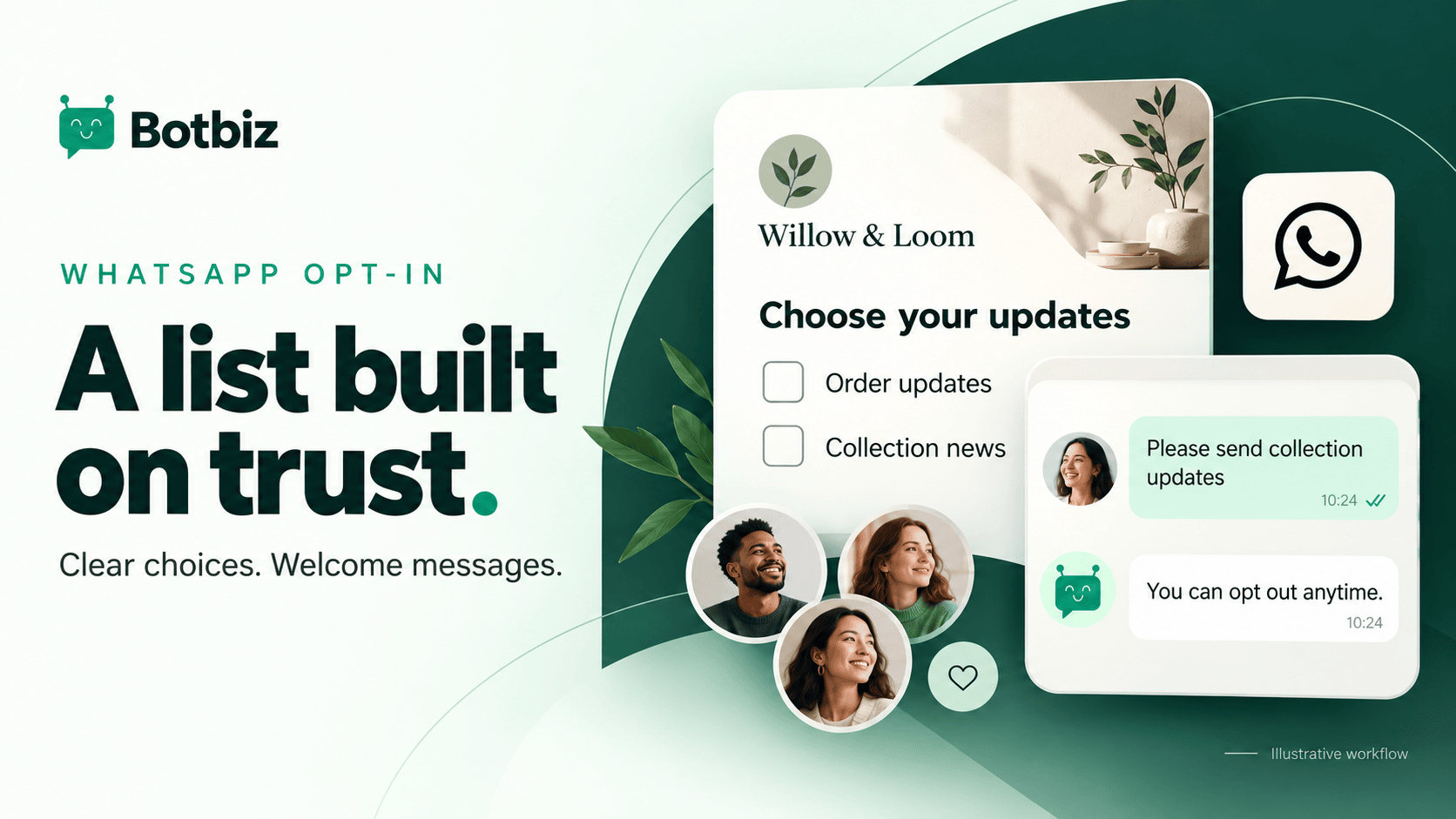
A useful WhatsApp opt-in tells people which business will contact them, what they will receive, and how they can change their mind. Put the choice where it is relevant, record the context, and make the resulting messages match the expectation you created.
Collecting a phone number is not the same as building a good messaging relationship. Someone may provide a number for a delivery without expecting promotional updates. Clear choices help your team distinguish those situations before a campaign starts.
This guide offers practical wording examples and a record-keeping approach. The fictional examples use Willow & Loom. Adapt them to your actual business and applicable requirements; they are not a universal legal-consent formula.
Start with the expectation, not the form field
Meta’s WhatsApp Business Messaging Policy requires an appropriate opt-in to subsequent business messages and requires businesses to respect requests to stop. Review the current policy and relevant local requirements when designing your collection process.
Then answer a customer’s basic questions: Who is contacting me? About what? Why would I want it? How do I stop? If your form cannot answer those plainly, improving the button color will not solve the real problem.
Choose a promise your team can maintain. “Receive collection previews and occasional offers” creates a different expectation from “Get updates about this order.” Keep those purposes distinct in the way you collect and store preferences.
Example 1: Offer collection updates on a relevant page
For a customer browsing a new range, a collection-update invitation has an obvious connection to what they are doing. Explain the value close to the choice, using the real business name.
Illustrative opt-in wording: Send me WhatsApp collection previews and occasional offers from Willow & Loom. I can opt out at any time. See the privacy notice for how my information is used.
Use an affirmative choice that the customer can understand and control. As a practical design choice, leave optional marketing selections unchecked and make the nearby wording readable on a phone. Do not bury the message purpose in a long paragraph unrelated to the action.
Link to your actual privacy information before using the wording. If you intend a specific message frequency, state only a frequency the business can honor. Avoid promising “one update a month” if several teams may send independently.
Example 2: Keep order updates separate at checkout
At checkout, explain the operational purpose directly. A customer deciding how to receive order information should not have to infer that the same selection also starts a marketing subscription.
Illustrative order-update choice: Send me WhatsApp updates about this Willow & Loom order, including relevant order and delivery information.
Separate illustrative marketing choice: I would also like WhatsApp collection previews and occasional offers from Willow & Loom.
The two purposes should remain distinguishable in your records. If the customer chooses only order updates, do not place them in a promotional audience merely because their phone number is present in the store.
Test the complete checkout and data transfer. Check which fields reach your contact platform, how the selections are represented, and whether an unchecked choice is accidentally treated as consent by an import or integration.
Example 3: Let a customer request a specific update
A restock or availability request can be more useful than a broad newsletter invitation. The customer has a clear reason to hear from you, and the business knows what information is relevant.
Illustrative request: Notify me on WhatsApp when the natural linen tablecloth is available again from Willow & Loom.
Keep the follow-up tied to that request. If you also want to offer ongoing collection messages, ask separately rather than stretching one product notification into an indefinite subscription.
Record the requested product and the wording shown. If the item is discontinued or substantially changed, reconsider whether the planned message still matches the request. A preference is context that should guide the workflow, not just a checkbox to collect.
Example 4: Invite a subscription during a conversation
A person asking a question may be interested in future updates, but do not assume it. After helping with the original enquiry, offer a clear optional choice if it is relevant.
Illustrative invitation: Would you like Willow & Loom to send you collection previews and occasional offers here on WhatsApp? You can opt out at any time.
If the person agrees, confirm the choice briefly and record it in a structured place. Avoid relying only on an agent remembering that someone “seemed interested.” Also avoid asking again during every support conversation after someone has declined.
A QR code or click-to-chat link is an entry point, not a complete explanation of future messaging. The surrounding page or conversation still needs to make the intended subscription clear.
Keep a record your team can interpret
Store enough context to understand the choice later. The exact implementation depends on your systems, but a practical record includes the contact, purpose, collection source, timestamp, wording version, and current preference state.
| Record element | Why it helps |
|---|---|
| Contact and relevant identifier | Connects the choice to the correct record |
| Message purpose | Separates order updates from promotions |
| Source and time | Explains where and when the choice was made |
| Wording version | Preserves the expectation shown at collection |
| Current state | Prevents using an old preference after a change |
| Withdrawal details | Helps suppress future messages consistently |
Use your privacy and retention process to decide what to store and for how long. Do not collect extra sensitive information to make an opt-in record look more complete.
Where preferences move between systems, check the Botbiz integration options and verify the field mapping. A clear form is only useful if the sending system receives and respects the result.
Make opting out work across the whole journey
Provide a simple way to stop relevant messages and make sure someone or something handles the request. “Reply STOP” is useful wording only if the business has a reliable process behind it.
Account for ordinary language too. A person may say “Please stop sending offers” instead of using the exact keyword. Train the team to recognize the request and update the appropriate preference through the agreed process.
Test broadcasts, scheduled sequences, and manual imports after an opt-out. A contact should not re-enter marketing because another spreadsheet still carries an old label. Keep suppression rules visible to everyone who prepares campaigns.
Review Botbiz drip campaigns when designing how scheduled messages stop, and the broadcasting tools when checking audience exclusions. Confirm the actual behavior in your configuration.
Measure the quality of the list
List size alone tells you little about whether people want your messages. Review how contacts joined, what they requested, whether messages matched that request, and whether the resulting conversations were useful.
Compare sources carefully. A small group that joined for a specific collection may be more relevant to that campaign than a large file with unclear history. Do not interpret low engagement as a reason to increase frequency automatically.
If you cannot explain how a contact joined or what they expected, exclude that record from the campaign until you have a sound basis for using it. Buying or scraping numbers does not establish the relationship a welcome WhatsApp message needs.
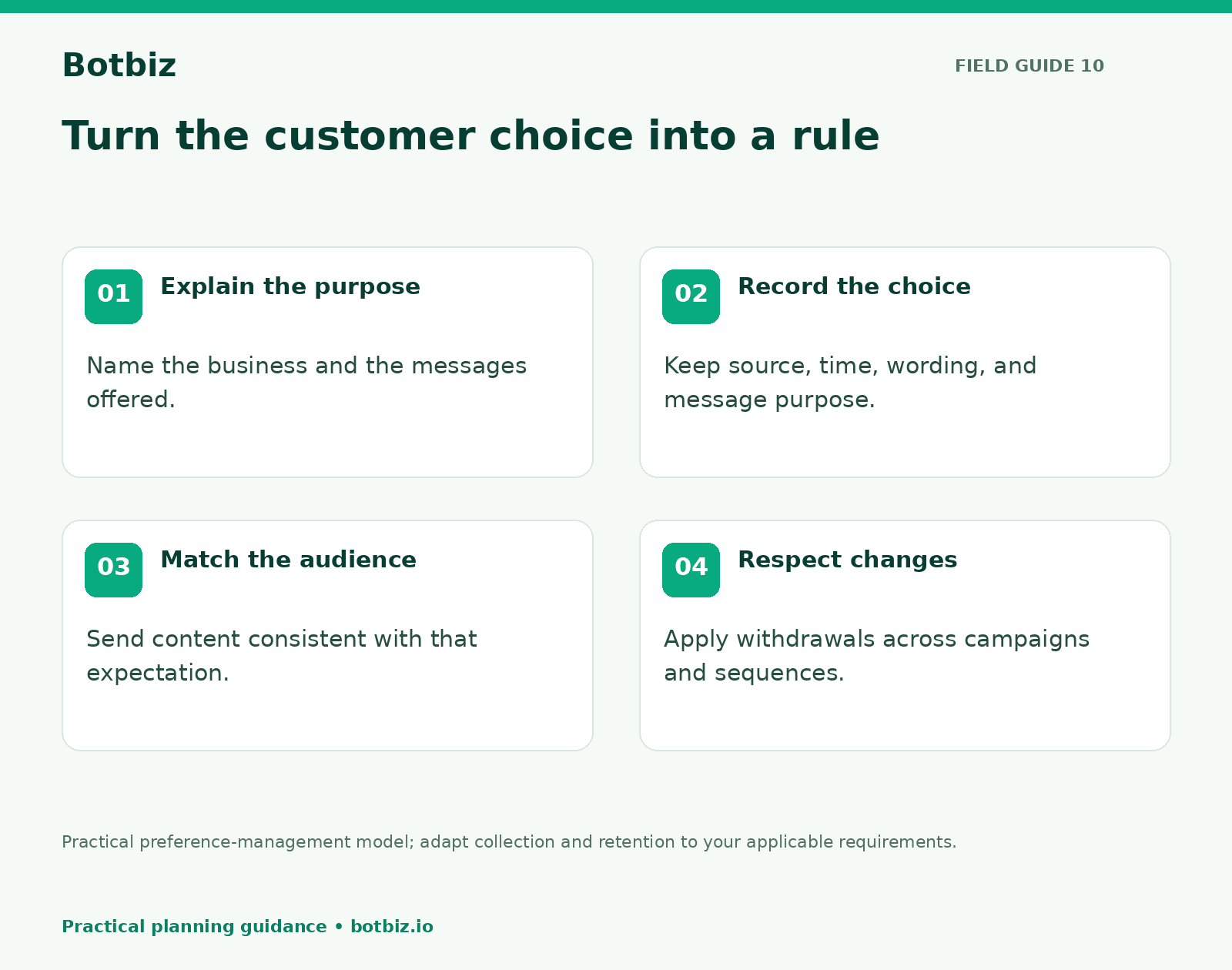
Turn the opt-in promise into a sending rule
Before a campaign, read the collection wording beside the planned message. Would a reasonable customer recognize the connection? If the answer is unclear, narrow the audience or revise the campaign.
Start with one relevant collection point and one well-defined message purpose. Review the records, test withdrawal, and then build the first audience in Botbiz broadcasting. A useful list is one your team can explain and your customers recognize.
Scale Your Business with WhatsApp Cloud API
Get 0% markup fees on Meta API, visual drag-and-drop chatbot builder, shared live team inbox, and 100+ app integrations with Botbiz.