
WhatsApp Broadcast Campaigns: A Practical Pre-Send Checklist
Build a campaign customers understand and your team can support.

On this page
A good WhatsApp broadcast gives a specific group of customers a useful reason to act. Start with an eligible audience and one clear message, check the destination, prepare for replies, and measure the outcome after sending.
The easiest mistake is to focus on the copy while leaving the rest of the campaign undefined. A beautiful message still disappoints if the product is unavailable, the link is broken, or nobody is ready to answer questions.
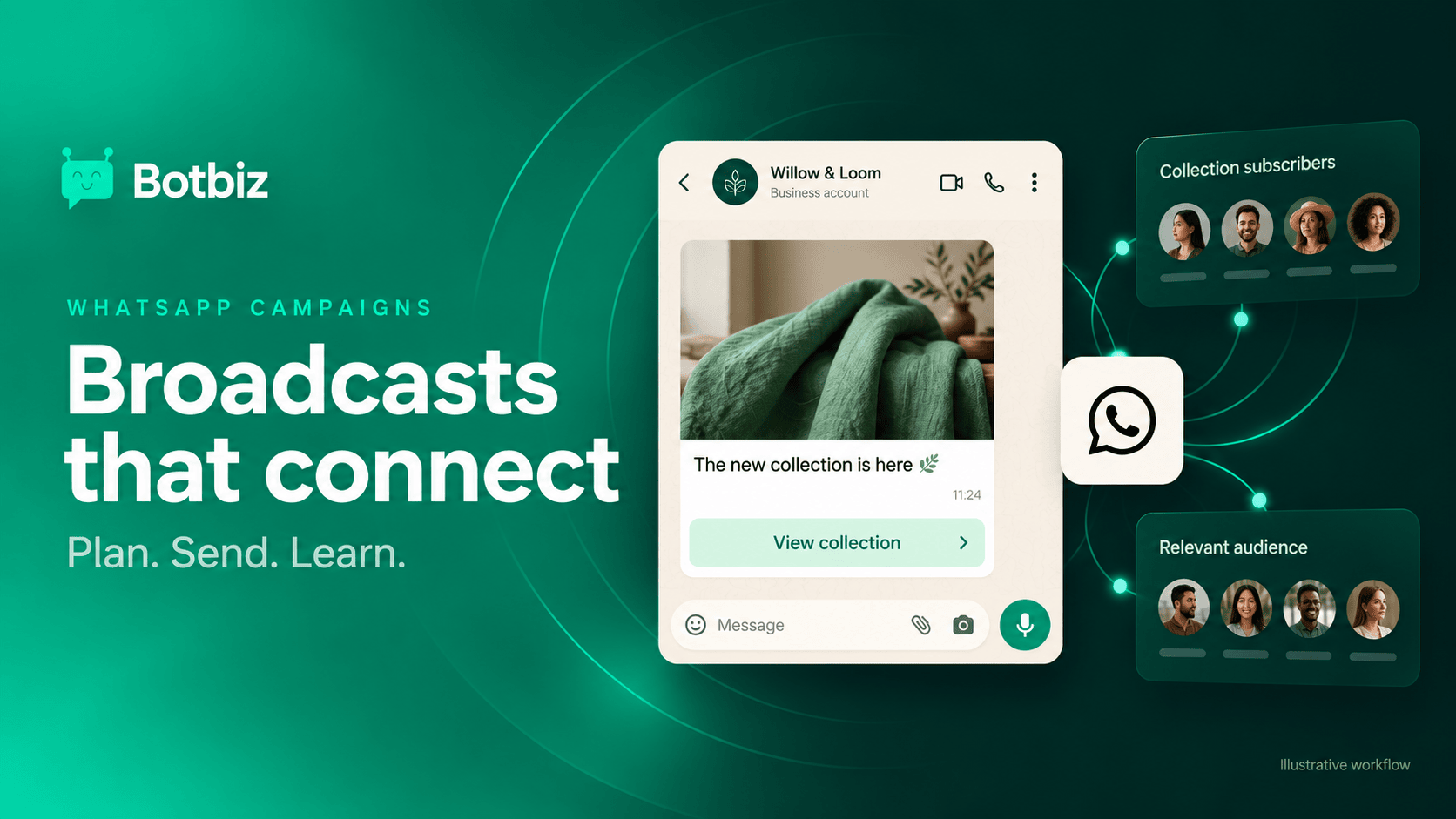
Use this checklist to build a repeatable campaign process. The examples use Willow & Loom, a fictional homeware shop, and are writing examples rather than approved message templates.
1. Define the job of this broadcast
Write one sentence: “This campaign helps this audience do this next thing.” For example: “This campaign helps collection subscribers browse our new linen range.” That sentence should guide the audience, message, image, and call to action.
Choose one primary outcome. You might want collection-page visits, product enquiries, or completed purchases. Those are related, but they are not interchangeable. A support-heavy message can create many replies without generating the purchase outcome you expected.
Also define when you will judge the result. A limited event and a considered purchase need different review periods. Decide before sending so you do not change the measurement window to make a campaign look better.
2. Build the audience before writing the offer
Start with people who have permissioned, relevant contact records. Then narrow the group by useful context: what they asked to hear about, their interests, the location you serve, or the products they already own. Permission and relevance are separate checks; both matter.
For Willow & Loom, “people who requested collection updates” is more useful than “every phone number in our customer file.” Within that group, a bedding collection may interest linen subscribers more than customers who only requested lamp-restock alerts.
Botbiz broadcasting describes audience segmentation using contact information such as tags and custom fields. Before using a segment, inspect a small sample of actual records and check that the rule means what you think it means.
Watch for old imports, duplicate records, shared numbers, and stale interest labels. A tag called “VIP” tells you little unless someone can explain how it is assigned and maintained.
3. Remove people who should not receive it
Create the exclusions alongside the audience. A launch message may be unnecessary for someone who bought the featured product yesterday. Someone with an unresolved complaint may need a helpful conversation before another promotion.
Useful exclusions to consider include recent purchasers of the same item, people already receiving a related sequence, contacts whose permission is unclear, and people who have requested no further messages. Make the rules explicit enough that another teammate could reproduce the audience.
Do not rely on a customer having to repeat an opt-out because a different team uploaded the list. Treat suppression as a shared responsibility across broadcasts and scheduled follow-ups.
4. Write one message around one action
Lead with the reason for the message. Add only the details needed to decide whether to act. Then offer a clear next step.
Illustrative campaign copy: Hi Asha, you asked to hear about new Willow & Loom collections. Our new linen range is ready to browse. View the collection to see colors, sizes, and availability. Reply STOP to stop collection updates.
This example works because it connects the message to an expectation, explains what is new, and names the destination. It avoids a vague “Click here” or an unsupported claim that stock is about to disappear.
For an offer, state the important conditions on the linked page and keep the message accurate about the benefit. Do not make the image carry essential terms that a reader might miss. If availability or dates change, review every place the campaign refers to them.
Meta’s marketing-message guidance identifies promotions and product discovery as marketing uses. Choose the appropriate template category and review route for the actual content, rather than trying to make a promotion look like an order update.
5. Check every variable with real sample data
Personalization should make the message useful. A first name is optional; the correct product or requested topic can matter more. Preview the shortest and longest likely values before sending.
| Field to check | A useful test | What to fix |
|---|---|---|
| Customer name | Empty value and a long name | Awkward greetings or missing fallback text |
| Product name | Long or similar product names | Truncation and ambiguous references |
| Link | Mobile destination after redirects | Broken pages, login walls, wrong collection |
| Offer details | Date, timezone, and eligibility | Conflicting terms between message and page |
| Language | Audience preference | Mixed-language messages and wrong variants |
Send a test to a number your team controls. Read it as a customer would, including the image, button, and destination. A preview in a desktop editor is useful, but it cannot tell you whether the landing page is comfortable on a phone.
6. Give the landing page the same promise
If the message says “See linen colors,” the link should take people to the linen range, not a general homepage where they have to search again. Check product availability, loading, the shopping path, and any required forms.
Use a consistent campaign identifier in your analytics links so the team can connect visits and outcomes to this send. Do not place private customer information in tracking parameters. Keep the campaign name understandable to someone reviewing the report next month.
If abandoned checkout is your goal instead of a general broadcast, use a dedicated workflow. The Botbiz abandoned cart recovery guide explains why recovery timing and purchase-based stop conditions deserve their own process.
7. Prepare the people who will answer
Name a campaign owner and a reply owner. They may be the same person, but the responsibilities differ. The campaign owner checks the send; the reply owner makes sure enquiries receive useful answers.
Give the team a short brief with the audience, offer, destination, availability, and common questions. Prepare quick replies as starting points, then let agents adapt them to the actual conversation. A customer asking about a damaged earlier purchase does not need the new-collection script.
Use a shared inbox in Botbiz to organize the resulting conversations. Choose a sending time when the team can handle the likely replies, or set honest expectations about when assistance is available.
8. Review results without confusing attention with success
Start with delivery and response information, then connect it to the outcome you defined. A message being read does not prove that it caused a purchase. A customer may visit on another device or buy later through another channel.
Track available signals separately: sent, delivered, read, link activity, replies, completed outcomes, and negative feedback. Some measurements require your website analytics or commerce system. Record missing information rather than filling gaps with assumptions.
When testing copy, change one meaningful element at a time and compare similar audiences. Keep a simple experiment note: what changed, why, what happened, and what you will try next. Small audiences can produce noisy results; avoid declaring a permanent winner from a handful of responses.
Your final send decision
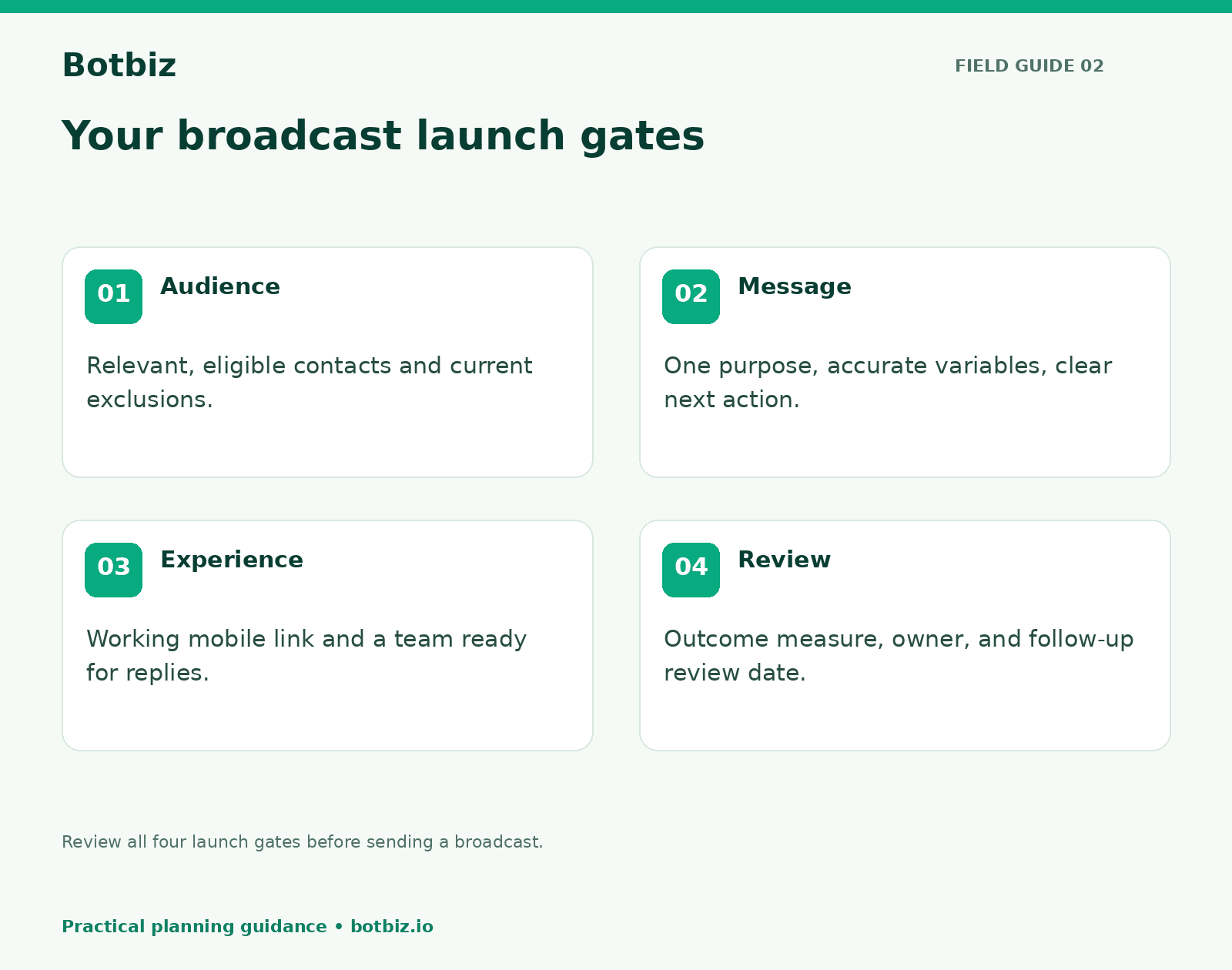
Before launch, the owner should be able to answer five questions without searching through chat history: Who receives this? Why will they welcome it? What should they do? Who handles replies? How will we know whether it helped?
Meta’s best-practice guide for marketing messages is a useful companion when reviewing message relevance and the customer experience. No checklist can guarantee delivery or a particular commercial result.
Ready to build a repeatable campaign process? Explore Botbiz broadcast tools, prepare one focused segment, and run a carefully checked first send before expanding the audience.
Scale Your Business with WhatsApp Cloud API
Get 0% markup fees on Meta API, visual drag-and-drop chatbot builder, shared live team inbox, and 100+ app integrations with Botbiz.