
WhatsApp for Shopify: 7 Useful Automations to Plan First
Match each message to a reliable store event and a real customer need.

On this page
The best place to start with WhatsApp for Shopify is a customer moment you can identify reliably: an order has been placed, a parcel has tracking information, or a shopper has asked a question. Match one useful message to that moment, then test what should prevent or stop it.
Avoid building a long messaging journey before the underlying data is dependable. A store can create more confusion with an inaccurate update than it removes with a quick reply.
Below are seven automation ideas, plus a practical rollout plan. Botbiz lists Shopify among its available integrations. The ideas here are workflow designs; confirm the exact events, fields, and connector behavior available in your setup before enabling them.
Get the event definitions right first
Shopify separates order, payment, fulfillment, and return statuses. An order being created is not the same as payment being captured, and fulfillment is not proof that the parcel reached the customer. Shopify’s order-status documentation explains these distinctions.
Make a small event map before writing your messages. Record what triggers each message, which source proves the statement, and what should happen if the data is missing. Use that map as the shared agreement between marketing, support, and whoever maintains the integration.
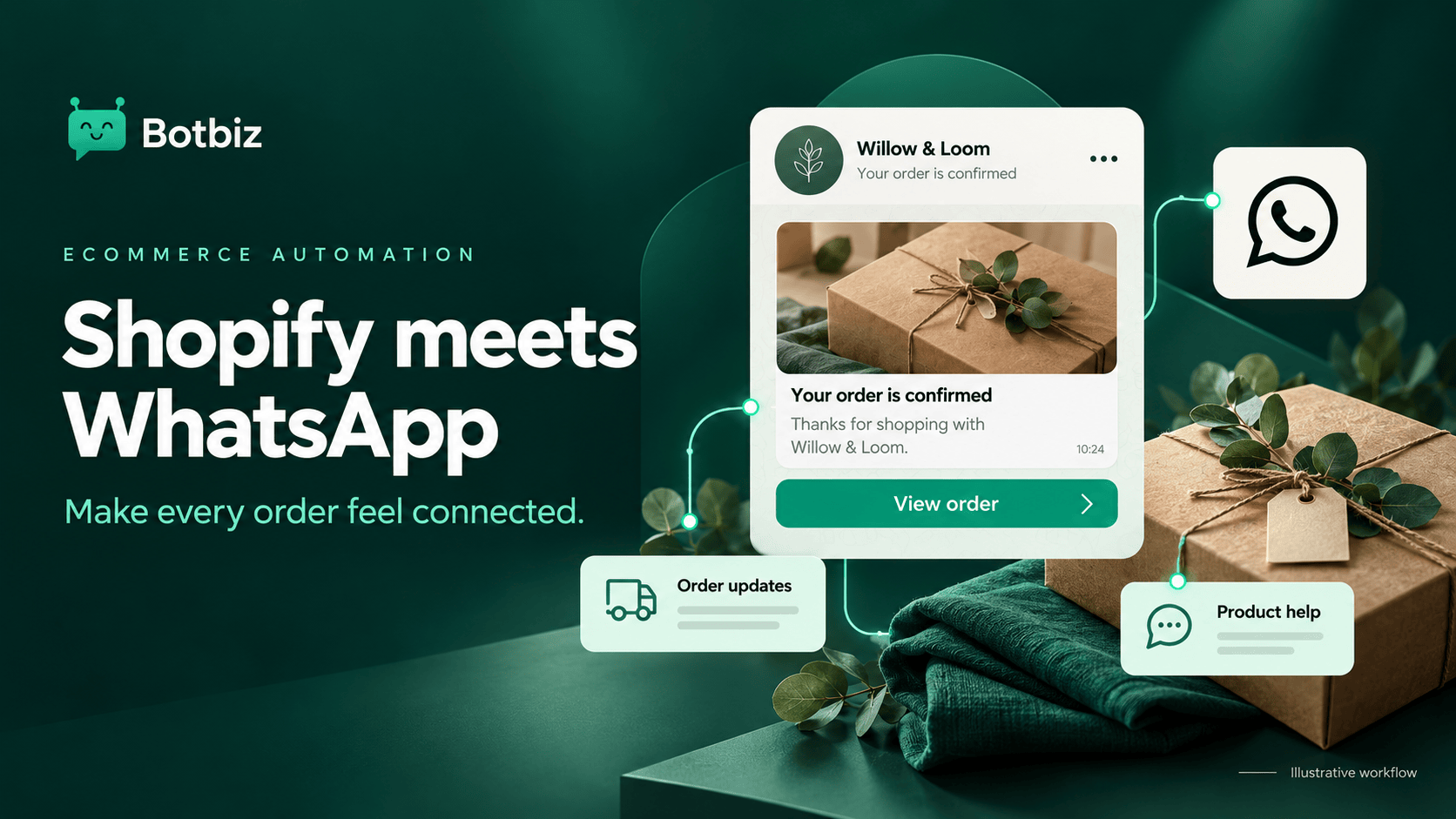
The fictional examples below use Willow & Loom, a homeware shop. The message wording illustrates a purpose and is not an approved WhatsApp template.
1. Confirm that an order was received
Customer need: “Did my order go through?”
An order-received message can confirm the reference and give the customer a route to review the details. Keep payment wording separate unless the source event confirms the payment state.
Illustrative copy: Thanks for your order with Willow & Loom. We have received order WL1042. You can review its details on your order status page.
Test prepaid orders and any manual-payment methods your store supports. A cash-on-delivery order should not receive a message claiming payment was collected. If an order is edited, decide whether the change needs another message and how you will prevent duplicate confirmations.
2. Share a meaningful shipping update
Customer need: “Where can I track my parcel?”
Send a shipping message when a trustworthy event and usable tracking destination are available. A fulfillment update alone may not provide the same information as a carrier movement, so keep the wording aligned with your actual source.
Check partial shipments. If an order contains items arriving separately, do not imply that everything is in one parcel. Link to a page that explains the shipments clearly and give the customer a way to ask for help.
Test the tracking link on a phone. A technically valid URL that opens an empty carrier page is not yet a useful customer experience.
3. Help with abandoned checkout
Customer need: “Can I return to the products I was considering?”
A recovery message can make it easier to resume an unfinished purchase, but it needs a separate marketing workflow. Check audience eligibility, timing, stock, destination links, and whether the purchase has already happened.
The critical stop condition is a completed purchase. Also consider active support conversations and opt-outs before another message is sent. Do not assume a scheduled follow-up automatically rechecks the latest order state in every connector.
Use the Botbiz abandoned cart recovery guide for a deeper treatment of recovery design. Start with one helpful message before adding several reminders or discounts.
4. Route product questions to useful answers
Customer need: “Will this item work for me?”
A shopper asking about care instructions, dimensions, or materials may need one accurate answer before deciding. A structured chatbot can help identify the product and question, then provide supported information or route the enquiry to a person.
Keep current product facts in one maintained source. If size, color, or availability changes frequently, use an appropriate live source or a human check rather than a static answer that can become stale.
The Botbiz chatbot builder is a starting point for designing this conversation. Avoid collecting a full lead profile when the customer simply wants a product dimension.
5. Help customers understand an exception
Customer need: “Something changed. What do I do now?”
A delayed dispatch, unavailable item, or failed delivery deserves a clear explanation and a next step. Start with exceptions your team can identify accurately and resolve consistently.
Do not let a bot promise a replacement, refund, or delivery date that requires approval. It can acknowledge the issue, collect the relevant reference, and connect the customer to the team. For complicated exceptions, a well-prepared human response may be better than a fully automated message.
Use Botbiz live chat to organize the reply, with one owner responsible for following through.
6. Send relevant post-purchase help
Customer need: “How do I use or care for this?”
Useful post-purchase content could explain assembly, setup, or product care. Match the message to the item the customer actually bought. A generic care guide for every product can create confusion if different materials require different instructions.
Review the message’s actual purpose and category. A practical care note and an offer for another purchase are different pieces of content. Keep the content focused, check the appropriate messaging requirements, and use a current destination page.
If the order was cancelled or returned, reconsider the message before sending. A “Enjoy your new purchase” note can feel careless when the customer is still trying to resolve a problem.
7. Ask for feedback at a sensible moment
Customer need: A simple way to share whether the experience worked.
Base the timing on a reliable event and enough time for the customer to experience the product. Do not treat “fulfilled” as proof of delivery. Where you lack a dependable delivery event, choose a cautious process and avoid wording that asserts the parcel has arrived.
Ask a neutral question. If the response identifies a problem, route it to support before sending more promotional follow-ups. Feedback is useful when it changes what the team does, not merely when it produces a positive quote.
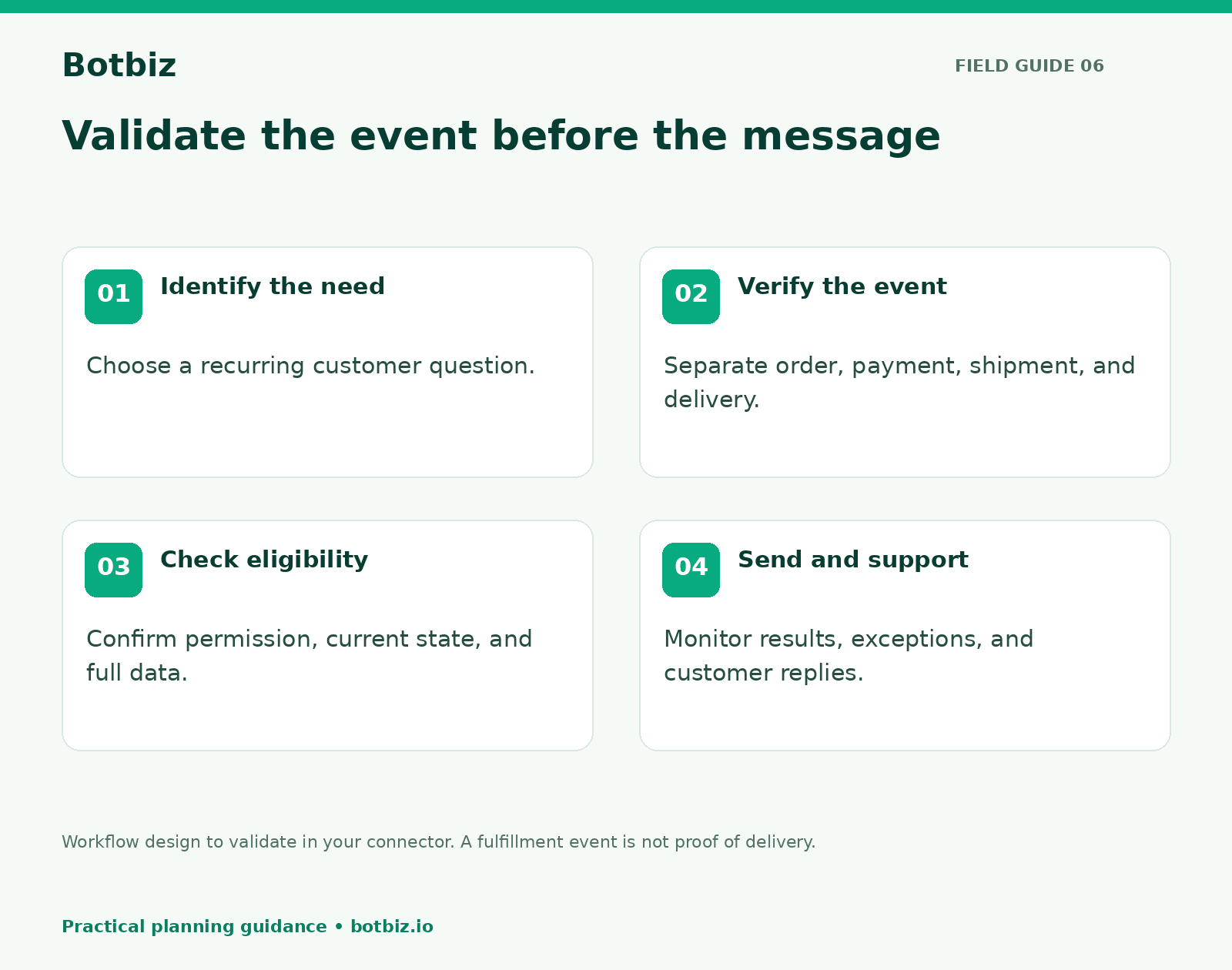
Build the first workflow with a small data contract
For each workflow, write down the required fields: customer contact, relevant permission, order reference, event time, message language, and destination. Add any message-specific information such as a shipment reference.
Then define failure behavior. What if a required field is empty? What if the same event arrives twice? What if a cancellation occurs while a message is waiting? Ask your implementer to demonstrate these cases in the actual connector.
An event identifier and a record of completed actions can help prevent duplicate sends. The exact implementation depends on your integration, so treat this as a requirement to verify rather than a feature to assume.
A practical launch checklist
- Pick one customer question that appears repeatedly in support.
- Identify the event and data that can answer it accurately.
- Prepare suitable message wording and the necessary review process.
- Test normal orders, missing data, repeated events, and changed orders.
- Assign a person to monitor exceptions and replies.
- Review whether the workflow reduced confusion, including any new support issues it created.
Avoid launching all seven ideas together. One reliable workflow gives your team a reusable pattern for data checks, message review, and customer support.
Explore Botbiz automation tools with your first event map. Ask to see your specific Shopify event and its fields in a test before expanding the automation to more customers.
Scale Your Business with WhatsApp Cloud API
Get 0% markup fees on Meta API, visual drag-and-drop chatbot builder, shared live team inbox, and 100+ app integrations with Botbiz.