
We can't find that page
The link you followed may be broken or the page may have moved. Try one of the options below.
 Google Sheets integration
Google Sheets + WhatsApp, in both directions
Save chat data to a sheet, and send messages from it
Connect Google Sheets to Botbiz. Leads and answers collected in WhatsApp are written to your sheet as they come in, and rows in a sheet can trigger WhatsApp messages. No developer, no export files.
Hi Kavya, thanks for registering for the workshop on 18 October. Your seat is confirmed.
Can I bring a colleague?
Of course. Share their name and number and we will add them.
Save every lead and answer to Google Sheets
Each completed flow adds a row: name, number, choices, free-text answers and a timestamp. Your team works from the sheet it already uses, and nothing is copied by hand.
- One row per contact or per flow completion
- Columns mapped to custom fields and answers
- Timestamp and source added automatically
- Shared with your team like any other sheet
What is your company name?
Northwind Traders
And how many people are on your team?
11–50
Trigger WhatsApp messages from sheet rows
Add a row and a WhatsApp template goes out with that row’s values filled in. Useful for confirmations, reminders and results that your team already manages in a sheet.
- New or updated rows can send an approved template
- Column values used as template variables
- Send one row or a whole list
- Sent from your official WhatsApp Business API number
Hi Kavya, your results for the October assessment are ready. Score: 86/100. Well done!
Thank you!
Answer questions with data from your sheet
A flow step can search the sheet for the customer’s number or an ID they type in, and reply with the matching row: order status, appointment time, balance or anything else you track.
- Search by phone number or any column
- Matching values used in the reply
- Works for status checks and FAQs
- Fallback message when nothing matches
Status of application AP-2291?
Application AP-2291: Approved on 2 October. Documents will be couriered within 5 working days.
Key Benefits
What the Google Sheets integration adds to your WhatsApp setup
Write rows
Leads saved as they arrive
Send from rows
Templates from sheet data
Look up
Answer from your sheet
Included
Available in every plan
Perfect For
Stores that use Google Sheets with Botbiz
Setup guide
Read how to plan the integration before you switch it on
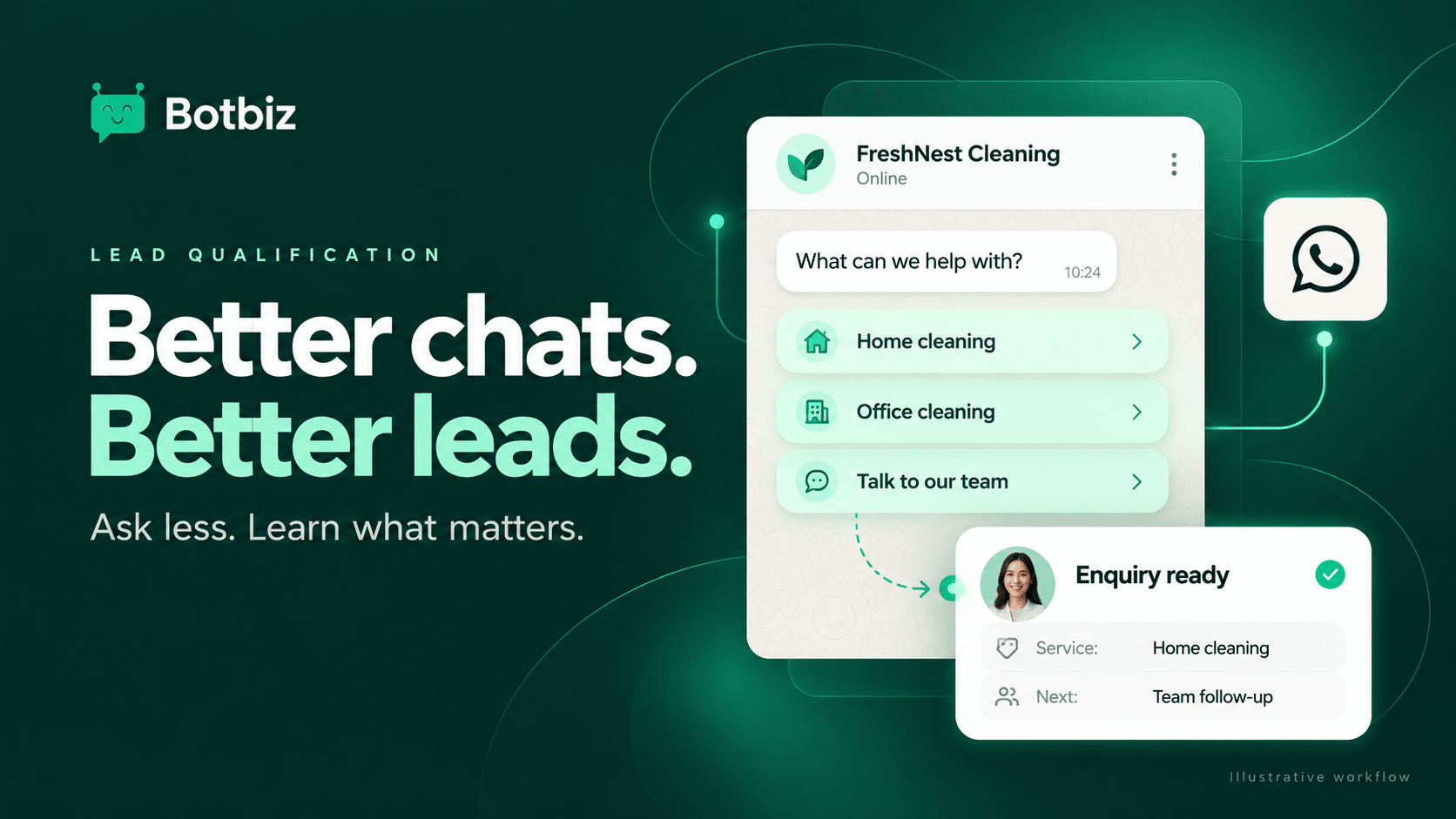 WhatsApp Lead Qualification: Build a Chatbot People Will FinishAsk fewer, better questions in chat and hand qualified leads to your team with the context attached.Read the guide
Connect Google Sheets to WhatsApp
Start your free trial, connect Google Sheets and send your first automated WhatsApp message today.
No credit card required • Setup in 5 minutes